
This document is the user guide for the Sony Ericsson K800i phone, which introduces the assembly, SIM card, battery, turning on, and calling of the phone. It also includes the features and usage of the phone, such as camera, music player, and connectivity settings.
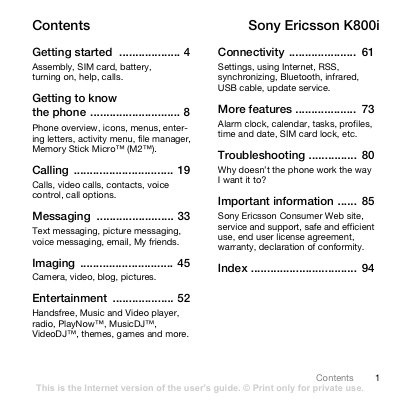
The guide starts with getting started instructions, covering assembly, SIM‑card insertion, battery installation, charging, and turning the phone on using the setup wizard. It also explains how to use the PIN/PUK codes, flight mode, and basic navigation keys.
Later sections describe the phone’s core functions such as making calls, messaging, camera and video capture, music and video playback, Bluetooth/infrared/USB connectivity, and includes troubleshooting tips and safety information.
Remove the battery cover, slide the SIM card into its holder with the contacts facing down, then insert the battery with the label side up and close the cover.
Press and hold the power key; the first start‑up may take a few minutes, after which you can select Normal or Flight mode and enter your SIM PIN.
It may take up to 30 minutes before the battery icon appears, and about 2.5 hours for a full charge.