
The DS80C390 is a fast 8051-compatible microprocessor with dual CAN 2.0B controllers. It executes 8051 instructions up to 3X faster than the original for the same crystal speed.
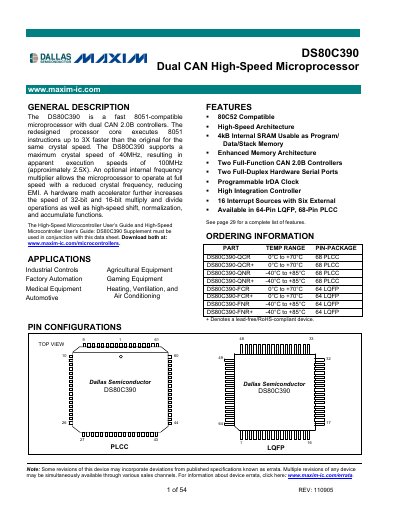
The DS80C390 is a high‑speed 8051‑compatible microprocessor that integrates two full‑function CAN 2.0B controllers, a hardware math accelerator, and up to 4 kB of internal SRAM. It runs up to 40 MHz crystal speed, delivering an apparent 100 MHz instruction execution rate, and offers optional internal frequency multiplication to reduce EMI.
Designed for industrial controls, automotive, HVAC, and other embedded applications, the device operates from –40 °C to +85 °C, draws 80‑150 mA in active mode, and is available in 64‑pin LQFP and 68‑pin PLCC packages.
| Maximum crystal speed | 40 MHz |
|---|---|
| Supply voltage (VCC) | 5.0 V – 5.5 V |
| Operating temperature range | -40 °C – +85 °C |
| Internal SRAM | 4 kB |
| CAN controllers | 2 full‑function CAN 2.0B |
| Interrupt sources | 16 (6 external) |
The device supports a maximum crystal speed of 40 MHz.
It includes two full‑function CAN 2.0B controllers.
The recommended VCC range is 5.0 V to 5.5 V.
It operates from –40 °C up to +85 °C.