
Intel Rapid Start Technology is a solid-state disk acceleration technology that can make the system startup faster, consume less power when the system is turned off, and load programs faster when the system is turned on.
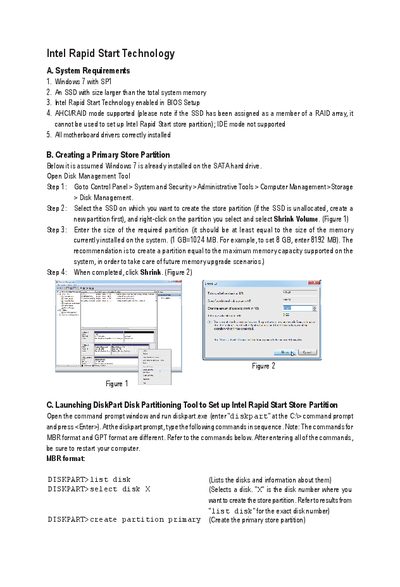
This manual explains how to enable and configure Intel Rapid Start Technology, including system requirements, creating the store partition, BIOS settings, and using the Rapid Start application. It also covers Intel Smart Connect Technology setup and Intel Smart Response Technology cache configuration.
Step‑by‑step instructions cover DiskPart commands, BIOS options, registry edits, and cache size selection, helping users optimize SSD caching and automatic data updates while the system is in sleep mode.
| Supported operating system | Windows 7 with SP1 |
|---|---|
| Minimum SSD size | Larger than total system memory |
| BIOS requirement | Intel Rapid Start Technology enabled |
| Supported storage mode | AHCI/RAID mode |
| Maximum cache memory size | 64 GB |
Windows 7 with Service Pack 1 is required.
The cache can be up to 64 GB; larger SSD space can still be used for data storage.