
This document introduces how to use Intel® Portable Capture Station
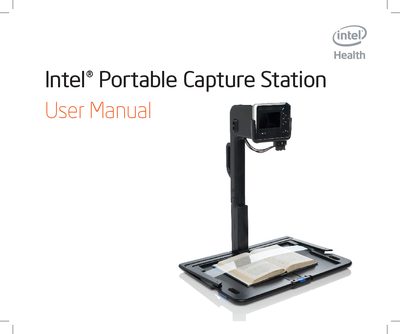
This manual covers important safety warnings, symbols, and precautions for using the Intel Portable Capture Station. It guides users through unpacking, identifying parts, setting up the device, connecting it to a reader, and operating the capture functions, including using the capture button and mouse.
Additional sections describe proper storage of the device, answer frequently asked questions, provide customer support information, and list the technical specifications of the Portable Capture Station.