
This document is a quick setup guide for P420X/P350X/P350W projectors, providing instructions on how to connect a computer to the projector and how to use and configure the projector.
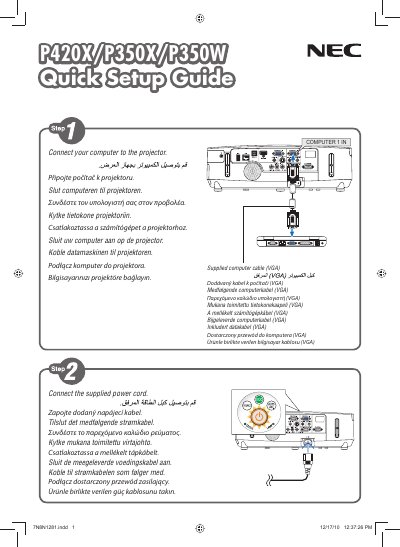
This quick user manual provides essential information for installing and operating NEC P420X, P350X and P350W projectors. It includes safety notices, basic connection steps, power‑on and power‑off procedures, and brief troubleshooting tips.
The guide is intended for end users who need fast reference to get the projector up and running. It contains concise instructions, key button functions, and safety warnings to ensure reliable performance.
Press the POWER OFF button.