
This Quick Setup Guide introduces how to connect P420X/P350X/P350W projector, and how to use power and computer to connect it
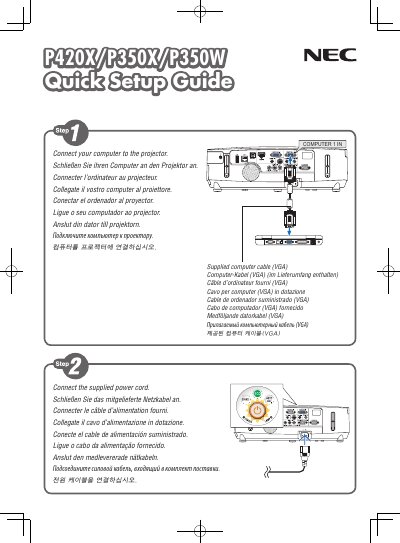
This quick user manual provides essential information for installing, powering on, and operating the NEC P420X, P350X, and P350W projectors. It is intended for users who need fast reference to get the projector up and running.
The guide includes safety warnings, power‑on/off procedures, basic configuration steps, and troubleshooting tips to help ensure reliable performance in typical presentation environments.
Use the power‑off procedure described in the manual’s POWER OFF section.
It was printed in China by NEC Display Solutions.