
The product is the Epson Stylus S22 printer. It can print photos and documents, supports individual ink cartridges, and saves ink. The printed photos are waterproof and fade resistant.
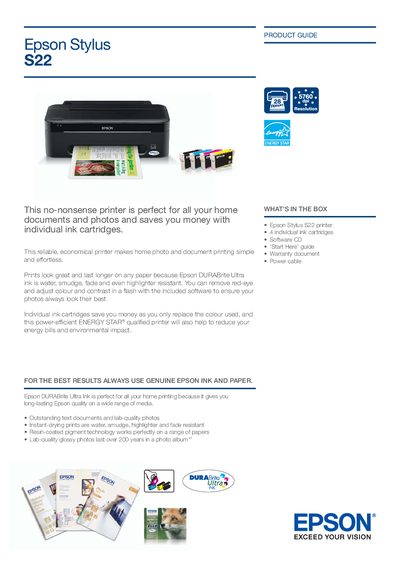
The Epson Stylus S22 is a compact home inkjet printer designed for printing documents and photos with individual ink cartridges and ENERGY STAR® efficiency. It offers durable DURABrite Ultra ink that resists water, smudging, fading, and highlighter marks.
The guide lists the printer’s specifications, including print resolution up to 5760 × 1440 dpi, speeds of up to 28 ppm (black) and 15 ppm (colour), USB 2.0 interface, and support for a wide range of paper sizes. It also details power consumption, dimensions, weight, and included accessories such as ink cartridges, a software CD, and a power cable.
| Print resolution | Up to 5760 × 1440 dpi |
|---|---|
| Black text print speed (A4) | Up to 28 ppm |
| Colour print speed (A4) | Up to 15 ppm |
| Ink system | Epson DURABrite Ultra Ink |
| Power consumption (printing) | Approx. 10.1 W |
| Power consumption (sleep mode) | Approx. 1.2 W |
| Paper capacity | 100 sheets A4 |
| Dimensions (W×D×H) | 415 × 227 × 136 mm |
| Weight | 2.4 kg |
It uses Epson DURABrite Ultra Ink, which is water, smudge, fade and highlighter resistant.