
EPSON STYLUS SX410 is a versatile all-in-one printer perfect for processing all office documents and printing photos with ease. It features a large 6.3 cm LCD screen, PictBridge interface, and memory card reader, providing optimal usability even without a computer. It is cost-effective with separate ink cartridges that allow for replacing only the depleted color.
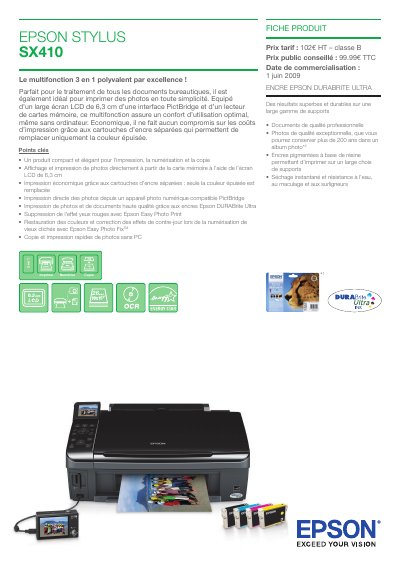
The Epson Stylus SX410 is a compact 3‑in‑1 multifunction device that prints, scans and copies. It features a 6.3 cm LCD, PictBridge support, and separate ink cartridges for economical color replacement. The manual explains how to install the printer, load paper, replace ink cartridges, and use the built‑in scanning functions.
Technical details such as print resolution (5760 × 1440 dpi), print speed (up to 34 ppm), scanning resolution (up to 1200 × 2400 dpi), and power consumption (≈12 W) are listed, along with supported operating systems and connectivity options (USB 2.0, PictBridge). The guide also covers warranty information and recommended consumables. This manual is written in French.
| Print resolution | 5760 × 1440 dpi |
|---|---|
| Print speed (black) | up to 34 ppm |
| Scan resolution | 1200 × 2400 dpi |
| Ink type | Epson DURABrite Ultra |
| Power consumption (copy mode) | ≈12 W |
It uses Epson DURABrite Ultra pigment ink cartridges.
The printer can print up to 34 pages per minute in black and white.
The scanner supports up to 1200 × 2400 dpi resolution.