
This document is a scanning tips and troubleshooting guide for the EPSON Perfection 3170 scanner. It provides recommendations on selecting suitable resolutions and scan settings for different purposes. It also includes instructions on scanning 35mm slides, 35mm film or negative strips, and Medium Format transparencies.
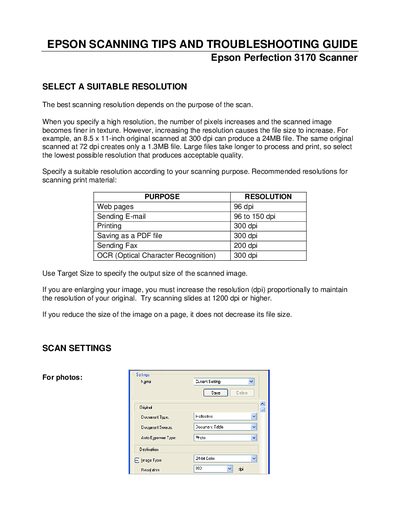
The document explains how to choose an appropriate scanning resolution for different purposes, such as web pages (96 dpi), printing (300 dpi), and OCR (300 dpi). It also describes settings for photos, film, and slides, and gives advice on using the Target Size and resolution adjustments.
It covers film handling procedures, storage of film holders, and detailed troubleshooting steps for common problems like edge cropping, dark or patchy colors, moiré patterns, and Newton‑ring artifacts. Each issue includes specific software settings and physical adjustments to improve scan quality.
| Recommended resolution for web pages | 96 dpi |
|---|---|
| Recommended resolution for printing | 300 dpi |
| Maximum unscannable margin (horizontal) | 0.08 inch (2.1 mm) |
| File size at 300 dpi (8.5×11 in) | ≈24 MB |
Place the film with the base side facing up, preview using the Thumbnail Preview, then reverse the previewed image with the Mirroring button.
Check your software’s Brightness setting in the Image Adjustment dialog box and adjust the Display Gamma or Exposure settings as needed.
No. The guide states that film cannot be scanned in Full Auto mode; you must use Home or Professional mode and set the appropriate Document Type.