
This Quick Guide provides information on loading paper, basic printing, and printer maintenance for the Epson Stylus C120 Series printer.
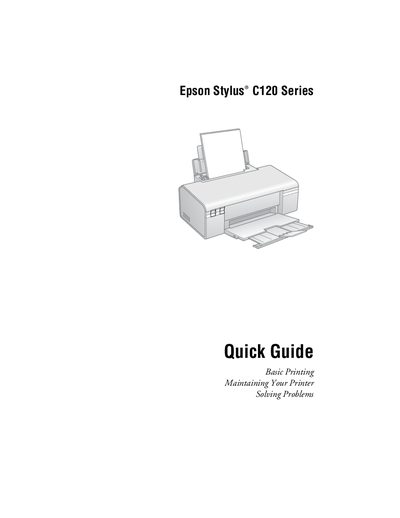
The Epson Stylus C120 Series Quick Guide provides concise instructions for getting your printer up and running. It covers initial setup, loading paper, selecting the correct paper type, and basic printing steps for both Windows and Macintosh computers.
Additional sections explain routine maintenance tasks such as checking and cleaning the print head, monitoring ink cartridge status, and replacing cartridges. The guide also includes a troubleshooting chapter with error indicators, common problems, and where to obtain help or genuine Epson supplies.
| Maximum plain paper capacity | 80 sheets |
|---|---|
| Maximum matte or photo paper capacity | 20 sheets |
You can load up to 80 sheets of plain paper.
Genuine Epson ink and paper can be purchased at Epson Supplies Central (www.epson.com/ink or www.epson.ca) or from an authorized reseller; call 800‑GO‑EPSON (800‑463‑7766) for assistance.