
This document is a user manual for Epson Stylus CX7400 series all-in-one printer. It mainly introduces how to load paper, use special papers, copy documents or photos, print from memory cards or digital cameras, print from computers, and scan photos or documents.
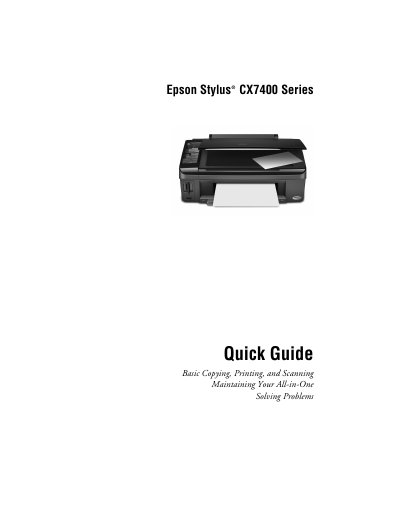
This quick guide introduces the Epson Stylus CX7400 Series all‑in‑one and explains how to load paper, make copies, print from memory cards or a computer, and scan documents or photos. It also covers routine maintenance tasks such as checking print‑head nozzles and replacing ink cartridges.
Additional sections describe using special paper types, loading envelopes, and solving common problems with step‑by‑step instructions and tips for better results.
| Plain paper capacity | 120 sheets |
|---|---|
| Matte paper capacity | 80 sheets |
| Photo paper capacity | 20 sheets |
The CX7400 can load up to 120 sheets of plain paper.
You can buy them at Epson Supplies Central online or from an authorized reseller; call 800‑GO‑EPSON for help.