
This is a quick guide for Epson Stylus NX100 series printer, which provides instructions on basic copying, printing, and scanning operations, as well as maintenance tips. The NX100 series printer has various features and characteristics.
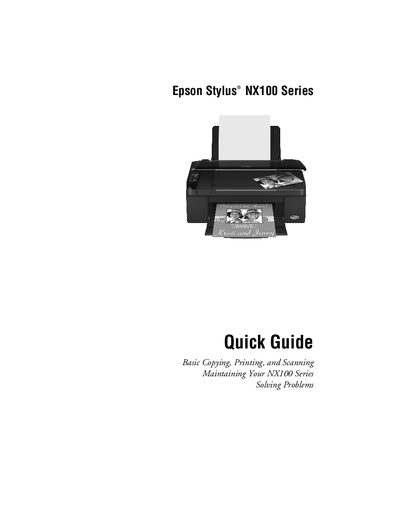
This Quick Guide provides step‑by‑step instructions for using the Epson Stylus NX100 Series printer. It covers loading paper, selecting special paper types, making copies, printing from Windows or Macintosh computers, and scanning documents or photos.
The guide also includes routine maintenance tasks such as checking and cleaning the print‑head nozzles, monitoring ink cartridge status, and basic troubleshooting procedures to resolve common error indicators and problems.
| Plain paper capacity | 80 sheets |
|---|---|
| Photo paper capacity | 20 sheets |
The printer can hold up to 80 sheets of plain paper.
Open the paper support, open the output tray, pull out the extension, flip the feeder guard forward, adjust the edge guide, and insert the paper with the short edge first.
Supplies can be purchased at Epson Supplies Central online or from an authorized Epson reseller.