
This document is the owner's manual for a business printer, describing the features and characteristics of the printer.
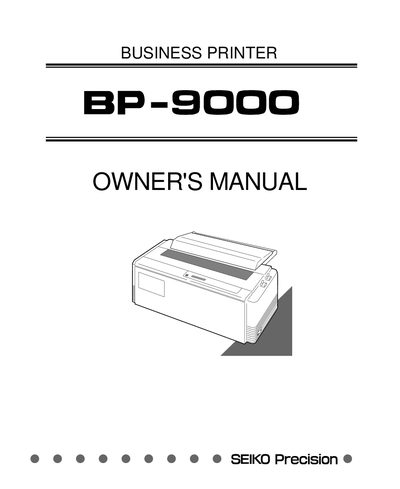
The SEIKO Precision BP-9000 business printer manual provides step‑by‑step instructions for unpacking, installing, and configuring the printer. It details hardware setup, paper handling, ribbon installation, and connection to a computer, as well as basic and extended setup options.
Additional sections cover control‑panel functions, bar‑code and enlarged‑character features, routine maintenance, cleaning, lubrication, and a comprehensive troubleshooting guide. Appendices list technical specifications and control codes for various printer modes.
Reorient the receiving antenna, increase the separation between the equipment and receiver, use a different circuit, or consult a dealer or technician.
No, you must never insert or pull out an interface cable while the printer and computer are powered on.