
SRU5110/86 EN is a universal remote control from Philips that can operate the most commonly used functions of almost any brand of TV.
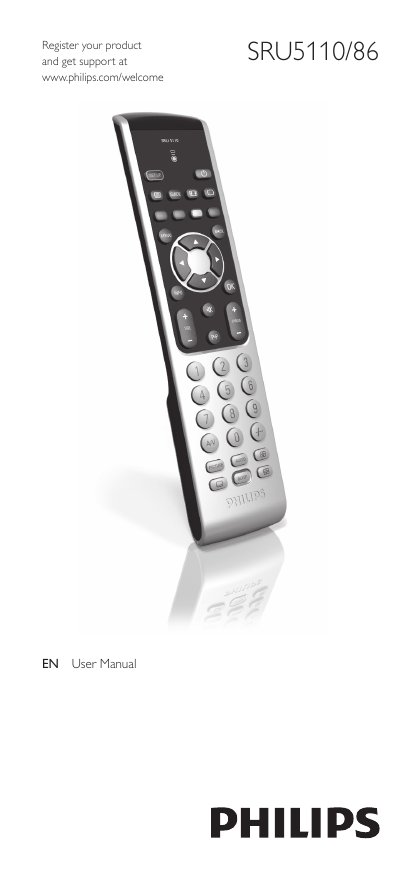
This manual explains how to install the batteries, set up the remote for your TV, and use the various buttons and functions. It also includes a quick start guide, detailed button descriptions, and instructions for resetting improved buttons.
The service section covers common problems, FAQs, battery replacement, and contact information for further help. A comprehensive brand code list is provided for programming the remote to work with many TV manufacturers.
| Battery type | AAA |
|---|
Press the cover inward, slide it, place two AAA batteries in the compartment, then replace the cover firmly.
Replace the batteries and then test the remote; if it still does not work, re‑enter setup mode and program the correct code.