
This manual introduces the features and characteristics of the Bosch Dinion IP network camera and describes how to install and use it.
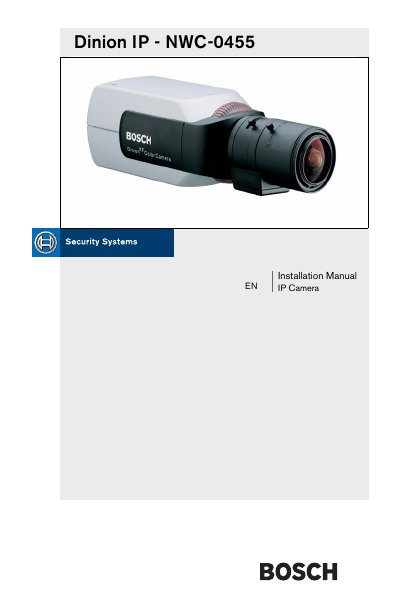
The Bosch Dinion IP NWC-0455 Installation Manual provides step‑by‑step instructions for unpacking, mounting, and connecting the camera. It details power options, network setup, and basic configuration through the web interface.
Additional sections cover advanced features such as dual streaming, alarm outputs, maintenance procedures, troubleshooting tips, and full technical specifications of the camera.
| Type number | NWC-0495-10P / NWC-0495-20P |
|---|---|
| Rated supply voltage | 24 VAC or 12 VDC or Power‑over‑Ethernet (IEEE 802.3af) 12‑28 VAC (50/60 Hz) 11‑36 VDC |
| Active pixels | 752 × 582 / 768 × 492 |
| Minimum illumination | < 0.4 lux (color) / < 0.15 lux (monochrome) |
| Dimensions (without lens) | 59 × 67 × 122 mm (HxWxL) |
| Weight (without lens) | 450 g (0.99 lb) |
| Operating temperature | 0 °C to 40 °C (32 °F to 104 °F) |
| LAN interface | 1 × Ethernet 10/100 Base‑T |
| Video encoding protocols | MPEG‑4, JPEG |
It can be powered by 24 VAC, 12 VDC, or Power‑over‑Ethernet (IEEE 802.3af) with 12‑28 VAC (50/60 Hz) or 11‑36 VDC.
The camera supports MPEG‑4 and JPEG video encoding.
It has one Ethernet 10/100 Base‑T port.