
This document is the installation and operation manual for the DinionHD 720p IP Camera NBN-921. It provides information on safety precautions, features, system information, installation steps, and camera setup.
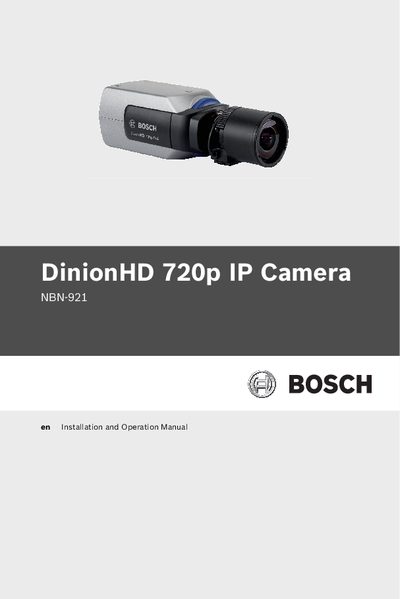
This manual provides safety instructions, unpacking guidance, and detailed installation steps for the Bosch NBN-921 DinionHD 720p IP Camera. It explains mounting, power and network connections, and how to configure basic and advanced camera settings.
The document also covers recording options, alarm integration, video content analysis, firmware updates, and troubleshooting procedures, helping users maintain reliable operation of the camera in various environments.
It indicates a high‑risk situation such as dangerous voltage that could cause serious injury or death.
Yes, the camera can be powered through an Ethernet cable using PoE.
Press the Reset button on the camera as described in the manual.