
This is a NETGEAR MP101 Digital Music Player User's Manual which introduces the features and characteristics of the product.
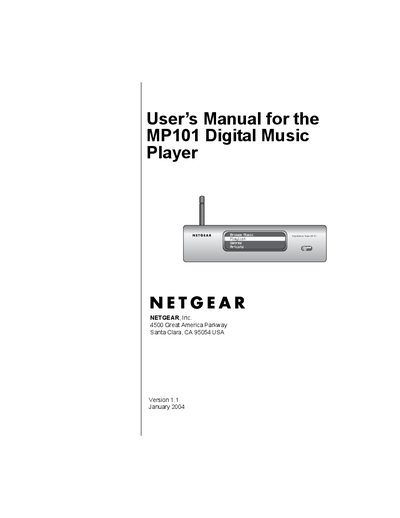
This manual guides users through installing and configuring the MP101 Digital Music Player, including hardware setup, software installation, and connecting to wired or wireless networks. It also explains how to navigate the home menu, browse music, and use playback features such as shuffle and repeat.
Additional sections cover advanced configuration, IP address settings, wireless security (WEP), firmware upgrades, and troubleshooting. Appendices provide wireless networking basics and detailed troubleshooting steps to help resolve common issues.
Select the Resetting the Defaults option in the Setup menu to restore factory defaults.
The device supports WEP security with both 40‑bit and 128‑bit encryption methods.
Use the Setting the IP Address Mode (Dynamic or Static) menu to choose static mode and enter the desired IP settings.