
This is an NETGEAR DM602 ADSL Modem Installation Guide, which introduces how to configure the modem through Ethernet or USB connection
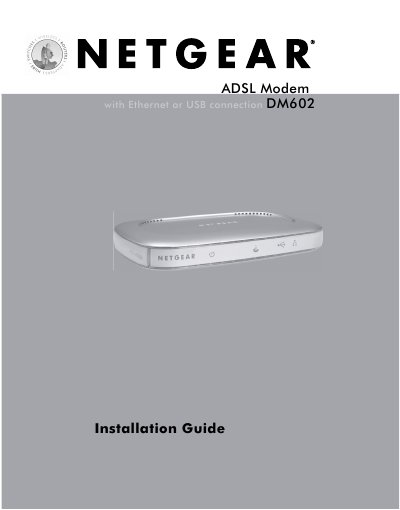
The Installation Guide walks you through unpacking the DM602 ADSL Modem, verifying the contents, and making the physical connections. It explains how to attach the phone line, Ethernet or USB cable, and power adapter, and shows the indicator lights that confirm a successful link.
After the hardware is in place, the guide details the software setup for Windows, Mac, and Linux systems, including driver installation, TCP/IP configuration, and how to restart the computer. A troubleshooting section helps resolve common issues such as unlit lights, blinking indicators, or connectivity problems, and the appendix provides a glossary of networking terms and full modem specifications.
| Dimensions (W x D x H) | 255 mm × 169 mm × 24 mm |
|---|---|
| Weight | 0.54 kg (1.2 lb) |
| LAN Interface | 10BASE‑T or 100BASE‑TX, USB 1.1 |
| WAN Interface | ADSL, RJ‑11 |
| Power Adapter | 15 V AC, 1.0 A |
| Operating Temperature | 0 °C to 40 °C |
| Operating Humidity | Up to 90 % non‑condensing |
The Power and Internet lights should be lit; the Ethernet light blinks to show activity. A green Ethernet light indicates a 100 Mbps link, while a yellow light indicates a 10 Mbps link.
A blinking yellow Internet light means the modem is trying to connect. Disconnect all phones on the line, reconnect them one by one using a microfilter, and check the phone wiring.
The modem requires a 15 V AC power adapter rated at 1.0 A.