
This document is the user manual for the NETGEAR Wireless-N 300 Modem Router DGN2200, describing the features and characteristics of the product.
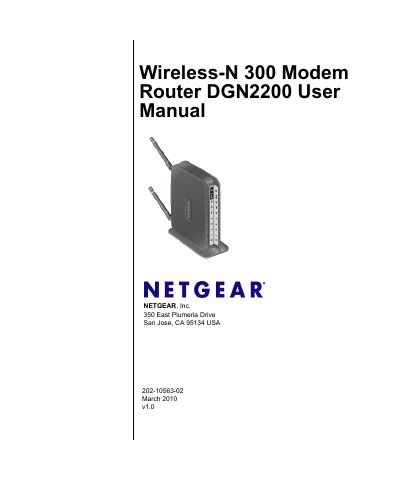
This manual covers the installation, FCC and EU compliance statements, and basic safety information for the NETGEAR DGN2200 Wireless‑N 300 Modem Router. It explains how to mount the device, connect power and Ethernet cables, and verify regulatory compliance before use.
The guide then details configuring Internet connections, wireless network and security settings, USB storage, advanced features such as QoS, VPN, and bridging, as well as troubleshooting steps for common issues like login problems, LED indicators, and firmware updates.
| Maximum wireless speed (802.11g) | up to 145 Mbps |
|---|---|
| Model number | DGN2200 |
Reorient or relocate the receiving antenna, increase the distance between the router and the receiver, or use a different circuit outlet.
It is classified as a Class B digital device under FCC Part 15 rules.
Press the Restore Factory Settings button on the router to reset all configuration and passwords.