
Vonage VWR Device user manual. Introduces the features of the device, as well as how to install, configure and troubleshoot it.
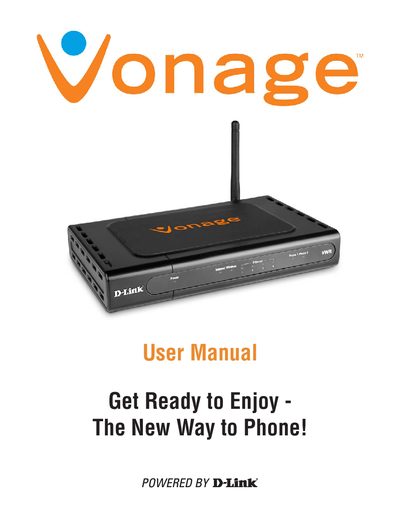
The D-Link VWR User Manual guides you through unpacking, connecting power and phone lines, and configuring network settings for the Vonage VWR wireless router. It includes detailed descriptions of the front and rear panels, LED indicators, and step‑by‑step installation procedures.
The manual also contains a technical specifications section covering ports, power output, environmental limits, certifications, and dimensions, as well as troubleshooting tips and support information.
| Power Output | 12V AC, 1.25A |
|---|---|
| Operating Temperature | 0°C to 40°C |
| Dimensions (W×D×H) | 90 mm × 82.46 mm × 31 mm |
| Ethernet Ports | 4 RJ‑45 (10/100 M) |
| Telephony Ports | 2 FXS (RJ‑11) |
Press the reset button for at least 10 seconds to restore the device to its default settings.
You need a high‑speed DSL or cable connection and a valid Vonage account.
A solid green power light means the adapter is running; a solid phone light means the line is ready, a slow blink shows voicemail, and a rapid blink indicates the line is in use.