
NETGEAR XE104 User Guide
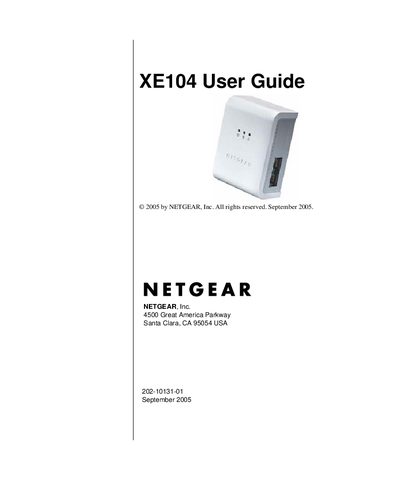
This manual explains how to install, configure, and maintain the Netgear XE104 Wall‑Plugged Ethernet Switch. It covers safety warnings, power‑up sequence, port connections, and the optional PowerLine encryption utility.
Key sections include installation steps, network password setup, adding devices to a PowerLine network, and a troubleshooting chapter that addresses common issues such as power‑light, HomePlug LED, and Ethernet‑light problems.
| Data Rate | 85 Mbps |
|---|---|
| Form Factor | Wall‑Plugged |
Make sure the wall switch controlling the outlet is in the ON position and verify the outlet is live by plugging in another device; if the problem persists, contact technical support.
Ensure that more than one PowerLine device is powered on and that the network password is identical on all devices.