
The MAX14886 is a high-speed, low-skew, active redriver multiplexer that is ideal for switching between the outputs of dual-graphics systems and signal conditioning to meet HDMIK v.1.4 compliance up to 2.25Gbps at an external HDMI connector.
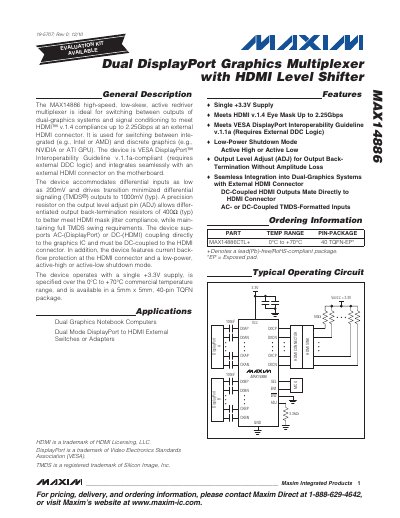
The MAX14886 is a high‑speed, low‑skew active redriver multiplexer that switches between dual‑graphics outputs and conditions signals to meet HDMI v.1.4 compliance up to 2.25 Gbps. It supports both AC‑coupled DisplayPort and DC‑coupled HDMI inputs, offers active‑high and active‑low enable pins, and includes an adjustable output level termination.
The datasheet provides full electrical characteristics, absolute maximum ratings, pin configuration for the 5 mm × 5 mm 40‑pin TQFN package, functional diagrams, and recommended PCB layout and power‑supply bypassing guidelines for optimal performance.
| Supply Voltage (VCC) | 3 V min / 3.6 V typ / 4 V max |
|---|---|
| Maximum Data Rate | 2.25 Gbps (HDMI v.1.4) |
| Package | 5 mm × 5 mm, 40‑pin TQFN |
The device operates from a single +3.3 V supply, with a recommended range of 3 V to 4 V.
It is supplied in a 5 mm × 5 mm 40‑pin TQFN (TQFN‑EP) package.
The MAX14886 supports data rates up to 2.25 Gbps to meet HDMI v.1.4 specifications.