
This instruction manual introduces the features and characteristics of the OMRON Pedometer HJ-109 product, including safety information, product name, function introduction, usage method, storage function, battery replacement, etc.
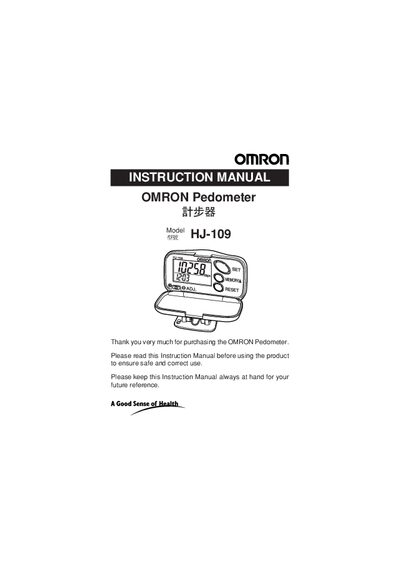
This manual introduces the Omron HJ-109 pedometer, covering safety information, product features, and a description of each part. It explains how to attach the device, set time, weight, and stride distance, and how to start and adjust sensitivity for accurate step counting.
Additional sections cover the memory function, battery replacement, care and storage recommendations, detailed technical specifications, and a troubleshooting guide for common issues.
| Power Supply | 1.5 VDC (one LR43 battery) |
|---|---|
| Measurement Range (steps) | 0 to 99,999 steps |
| Operating Temperature | -10 °C to +40 °C |
| Battery Life | Approx. 1 year (10,000 steps/day) |
| External Dimensions | 63.5 × 36.3 × 23.0 mm |
| Weight | Approx. 24 g (including battery) |
Remove the screw on the battery cover, open it, replace the worn LR43 battery with a new one, then close the cover and fasten the screw.
It counts continuous walking of more than 10 minutes at a pace over 60 steps per minute as aerobic steps, helping you track activity that burns body fat.
Press the MEMORY/L button to change the hour, hold the RESET button to reset, then press the SET button to save and adjust minutes with the MEMORY/L button.