
This document is the instruction manual for the Omron® HJ-720ITC Pocket Pedometer, which provides information on important safety instructions, main functions, operating instructions, software installation and usage, as well as maintenance and troubleshooting.
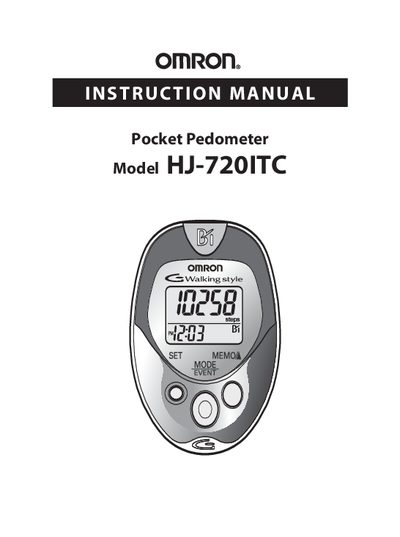
This manual introduces the Omron HJ-720ITC pocket pedometer, lists its components, and explains its basic functions such as step counting, calorie display, and aerobic step tracking. It also describes how to attach the unit to a holder or belt and how to transfer data to a personal computer.
Important safety information, battery installation and replacement procedures, time and weight settings, and detailed operating instructions are covered. The guide includes software installation, data transfer steps, troubleshooting tips, FCC compliance notes, warranty details, and contact information for Omron Healthcare support.
| Battery type | CR2032 |
|---|
Remove the screw on the battery cover, open the cover, insert the CR2032 battery with the positive side up, replace the cover and tighten the screw.
Attach the main unit to the holder, then fasten the holder clip to your pants or belt.