
This document is an instruction manual for the Pedometer Model HJ-150, describing its usage, features, and characteristics.
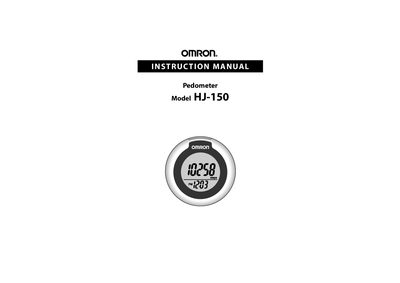
This manual explains how to set up and use the Omron HJ-150 pedometer, including safety precautions, time setting, attaching the unit, and using memory functions. It also covers battery installation, power‑saving mode, and care instructions to keep the device reliable.
Additional sections detail troubleshooting tips, detailed technical specifications, FCC compliance information, warranty terms, and contact details for Omron Healthcare support.
| Power Supply | 3 VDC (1 lithium battery CR2032) |
|---|---|
| Measurement Range | 0 to 99,999 steps |
| Memory | Previous 7 days displayed |
| Time Setting Range | 12:00 AM to 11:59 PM |
| Operating Temperature | 14 °F to 104 °F (‑10 °C to 40 °C) |
| Humidity (operating) | 30 % to 85 % RH |
| Storage Temperature | -4 °F to 140 °F (-20 °C to 60 °C) |
| External Dimensions | ≈ 2 in (diameter) × 1 in (depth) (ø53 mm × 25.8 mm) |
| Weight | ≈ 1 ¼ oz (battery included) |
| Battery Life | ≈ 1 year (10,000 steps per day) |
Press the SYSTEM RESET button on the back of the unit; this deletes all stored data and returns the settings to their defaults.