
This manual introduces the features and characteristics of the Honeywell CT3500/CT3595 programmable thermostat, including how to install, set up, and use it. The thermostat uses Smart Response™ technology to automatically adjust the temperature according to your daily routine, ensuring that you stay comfortable at all times.
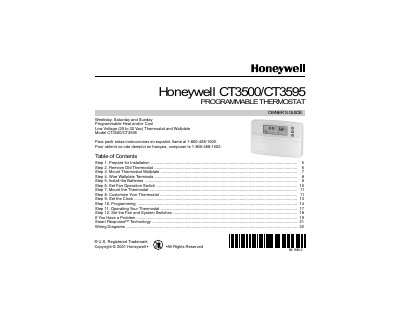
This guide explains how to install, wire, and program the Honeywell CT3500/CT3595 programmable thermostat. It covers preparation, removal of the old thermostat, mounting the wallplate, wiring, battery installation, fan switch settings, and final mounting.
Key sections include Smart Response™ technology, detailed wiring diagrams, battery replacement, fan operation, programming modes, and a troubleshooting section with warranty information.
| Operating Voltage | 20 to 30 Vac |
|---|---|
| Battery Type | 3 AA alkaline (Energizer® recommended) |
| Display | Digital display |
| System Compatibility | Compatible with 2‑wire Honeywell and Taco zone valves |
| Smart Response Technology | Automatically adjusts heating/cooling start times |
Install three AA alkaline batteries with the positive terminals pointing up; replace them when the low‑battery indicator flashes.
Yes, call 1‑800‑468‑1502 to request the guide in Spanish or French.
It calculates the optimal time of day to turn on heating or cooling based on temperature, wall temperature, and the programmed schedule.