
This document is a user manual for the CP-S225/CP-X275 LCD projector. The manual provides detailed instructions on basic operation, preparations, device connections, and remote control usage.
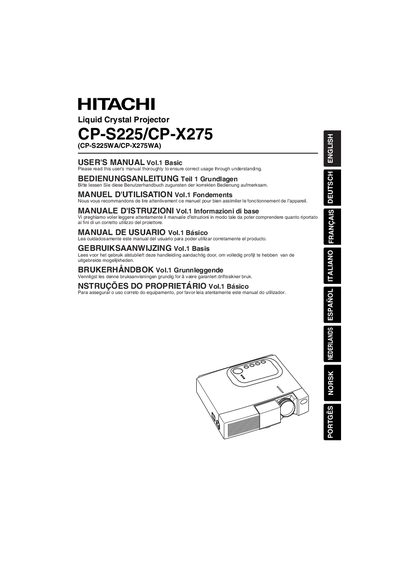
This manual provides the essential information for installing, configuring, and safely operating the Hitachi CP‑S225/CP‑X275 liquid‑crystal projector. It includes safety warnings, preparation steps, part identification, and detailed instructions for using the remote control and projector functions.
The guide also contains technical data such as supported video formats, projection distances, screen‑size calculations, and lamp and filter maintenance, helping users achieve optimal image quality and reliable performance.
| Supported Resolutions | CP‑S225: 800×600 px, CP‑X275: 1024×768 px |
|---|---|
| Lamp Type | UHB (ultra‑high‑brightness) lamp |
| Power‑Cord Types | US, UK, Europe |
Use only the supplied power cord, plug it into an outlet rated for the cord’s voltage, and never defeat the three‑pronged ground connection.
Use the foot adjusters on the bottom of the projector; the angle can be varied from approximately 0° to 10°.