
This manual introduces the features and usage of the RT-N10+ EZ N + 2 router.
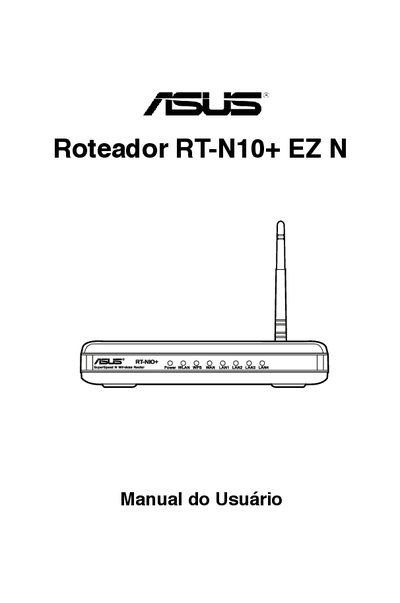
This manual provides step‑by‑step instructions for installing and configuring the ASUS RT‑N10+ EZ N wireless router. It includes details on hardware components, required system setup, and how to use the graphical web interface.
The guide also contains troubleshooting tips, firmware update procedures, and contact information for ASUS support in Brazil, the United States, Europe, and Asia‑Pacific. This manual is written in Portuguese.
| Power input | 110/220 V |
|---|---|
| Reset button | Press >5 seconds to restore factory defaults |
The package contains the router, a 110/220 V power adapter, a support CD, an RJ‑45 Ethernet cable, and a Quick Start Guide.
Press and hold the Reset button for more than five seconds.