
This document provides specifications and features of the TL-WR543G 54M Wireless AP Client Router, including wireless connectivity and measures against interference.
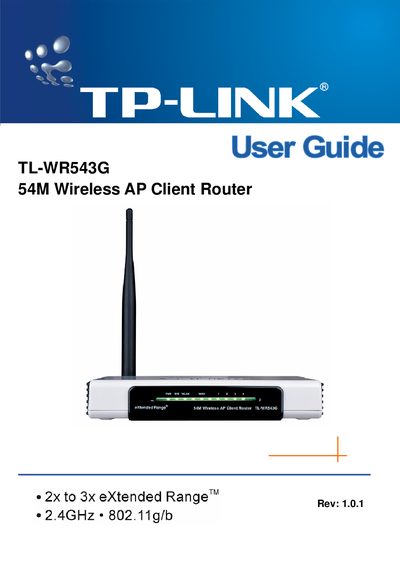
This User Guide covers everything needed to install and operate the TL‑WR543G 54M Wireless AP Client Router, including hardware overview, panel layout, LED indicators, and step‑by‑step configuration of wireless and network settings. It also contains a quick‑installation section, detailed configuration chapters, and a glossary of networking terms.
The guide includes regulatory information such as FCC and CE compliance statements, package contents, and a declaration of conformity. It is intended for end‑users and installers who need to set up the router in home or small‑office environments.
| Wireless Standard | 2.4 GHz 802.11g/b |
|---|---|
| Maximum Data Rate | 54 Mbps |
| Extended Range Technology | 2x to 3x eXtended Range |
DDNS stands for Dynamic Domain Name System.
You can try reorienting or relocating the antenna, increasing separation from the receiver, or connecting the router to a different circuit, and consult a technician if needed.
The router supports 802.11b and 802.11g standards operating at 2.4 GHz.