
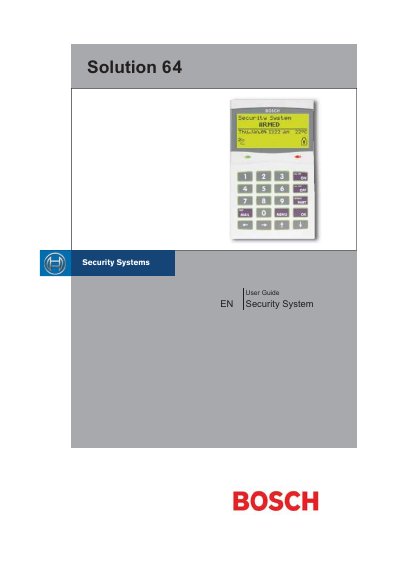
The Solution 64 control panel provides security for homes and businesses with up to 64 programmable zones, graphic keypad display, and built‑in telephone line monitoring. It supports fire, burglary, and medical alarms, and can be configured for up to eight separate areas.
The manual covers basic system operation, area control (All On, Part On, Part 2 On), keypad functions, alarm reporting, and programming options such as PIN management, zone bypass, and schedule setup. It also details installation warnings, telepermit notes, and service requirements.
| Maximum Zones | 64 |
|---|---|
| Unique PINs | 48 |
| Relay Outputs | 5 |
| Open Collector Outputs | 3 |
| History Event Memory | 256 events |
| Programmable Schedules | 8 |
| Areas | 8 |
| Built‑In Dialler | Yes |
| EMI/Lightning Protection | Yes |
| Telephone Line Fail Monitor | Built‑in |
Enter your PIN, then press the [ON] key to turn the selected area All On.
Enter your PIN followed by the [OFF] key to silence the alarm and turn the system off.