
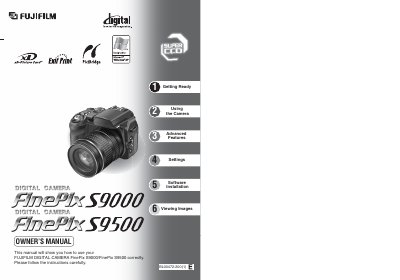
The Fujifilm FinePix S9000/S9500 Owner's Manual provides step‑by‑step instructions for safely using the camera, including safety warnings, battery handling, and media insertion. It also contains regulatory information such as FCC and CE compliance statements.
The guide is organized into sections covering getting ready (strap, lens cap, batteries), basic operation, advanced photography features, software installation for PC/Mac, viewing and playback of images and movies, and troubleshooting. Additional chapters describe accessories, power supply options, and specifications of the camera.
| Battery type | AA‑size alkaline (LR6) – 4 pieces |
|---|---|
| Optional rechargeable battery | AA‑size Ni‑MH rechargeable – 4 pieces |
| Memory card included | 16 MB xD‑Picture Card™ |
| Power input | DC IN 5 V socket |
| Display type | Liquid crystal LCD monitor |
Attach the strap to the strap mounts on the camera and make sure it is firmly secured.
The camera works with AA‑size alkaline (LR6) batteries or AA‑size Ni‑MH rechargeable batteries; do not use Ni‑Cd or manganese batteries.
Turn the power switch OFF, open the slot cover, align the gold marking on the card with the contact area, and push the xD‑Picture Card or CF/Microdrive fully into the slot.