
This is the service manual for FinePix S5000 digital camera.
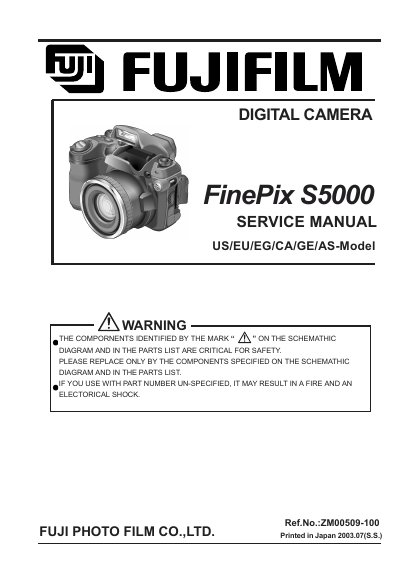
This manual provides step‑by‑step instructions for getting the FinePix S5000 ready for use, including attaching the strap, loading batteries and inserting the xD‑Picture Card. It also covers basic shooting modes, advanced features such as flash control, movie recording, and continuous shooting.
Safety notes, power‑save settings, and troubleshooting tips are included, along with details on the supplied accessories, software installation, and how to connect the camera to a TV or computer.
| Memory Card Type | xD‑Picture Card (16 MB included) |
|---|---|
| Battery Type | 4 AA‑size alkaline batteries (optional AA‑size Ni‑MH) |
| Standard Frames per Card | 23 frames |
| Optional Power Supply | AC Power Adapter (sold separately) |
The camera uses four AA‑size alkaline batteries, or you can use four AA‑size Ni‑MH rechargeable batteries instead.
It uses an xD‑Picture Card; the manual includes a 16 MB xD‑Picture Card with the camera.
Turn the camera on, go to the menu, select the date/time setting, and adjust using the controls as described in the ‘Switching On and Off/Setting the Date and Time’ section.