
This manual shows you how to use your FUJIFILM DIGITAL CAMERA FinePix S5200 / FinePix S5600 correctly
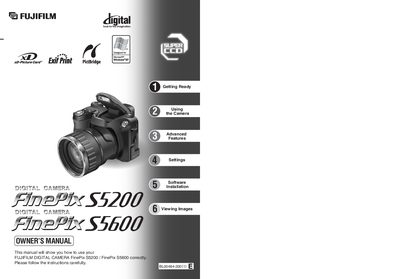
This manual guides you through getting ready with the FinePix S5200, including attaching the strap, loading AA‑size batteries, inserting the xD‑Picture Card, and powering the camera on. It then covers basic photography functions such as shooting modes, playback, and using the LCD monitor.
Advanced sections describe exposure controls, focus options, flash use, continuous shooting, and movie recording, followed by settings configuration, software installation for Windows and Mac, and safety and disposal information.
| Number of available frames per 16 MB xD‑Picture Card | 25 |
|---|---|
| Battery type (optional rechargeable) | AA‑size Ni‑MH rechargeable batteries (4) |
| Memory card supplied | 16 MB xD‑Picture Card |
Open the battery cover with the camera turned off, insert the AA‑size batteries respecting the polarity icons, press them down, and close the cover.
Insert the provided CD‑ROM, run the installer, and follow the on‑screen prompts to install the FinePix software.