
This manual will show you how to use your FUJIFILM DIGITAL CAMERA FinePix F10 correctly. Please follow the instructions carefully.
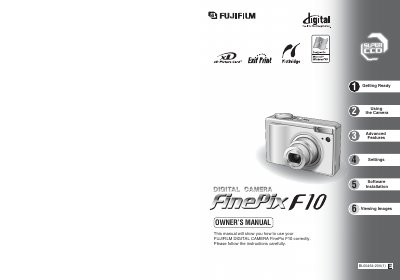
This manual covers safety warnings, battery handling, and basic camera operation. It explains how to load the NP-120 rechargeable battery and xD‑Picture Card, how to charge the battery, and how to use the camera's basic shooting modes, playback functions, and menu settings.
Advanced features such as macro, flash, continuous shooting, and movie mode are described, along with software installation for Windows and Mac, connectivity options (USB, TV, printer), and a list of accessories. The document also includes specifications, FCC/CE compliance information, and troubleshooting tips.
| Battery model | NP-120, 1950 mAh |
|---|---|
| Battery charging time (full) | approx. 4 hours |
| Compatible AC power adapters | AGC-5VW (included), AC-5VX, AC-5VH, AC-5VHS |
| Storage media included | 16 MB xD‑Picture Card™ |
Connect the AC power adapter to the terminal adapter and then to the camera; the self‑timer lamp lights red while charging and a full charge takes about four hours.
Insert the NP‑120 rechargeable battery with the gold marking aligned, then align the gold marking on the xD‑Picture Card slot and push the card firmly into place before closing the cover.
Do not use the camera near water, keep ventilation openings clear, and avoid exposing the AC adapter to moisture.