
EK-H2 is an easy-to-use plug-and-play system for evaluating and demonstrating SHTxx humidity and temperature sensors
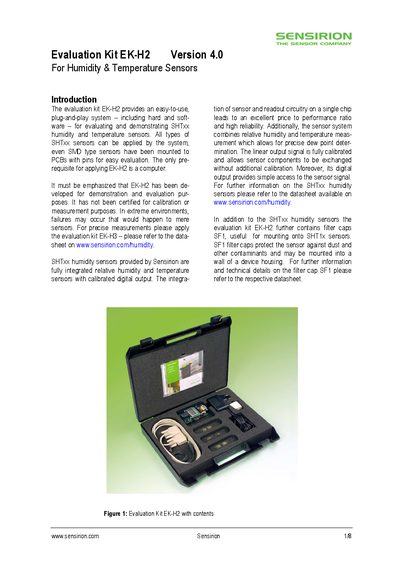
The EK‑H2 evaluation kit offers a plug‑and‑play system for demonstrating Sensirion SHTxx humidity and temperature sensors. The kit includes SHT11, SHT15 and SHT/5‑pin sensors, filter caps, a microprocessor board, cables and the Humi Viewer software.
The manual guides you through hardware assembly, software installation on Windows 2000/NT/XP, and operation with Humi Viewer. It also details jumper settings, serial communication parameters, on‑chip heater usage, and safety notices.
| Input voltage | 100 V – 240 V AC, 47 Hz – 63 Hz |
|---|---|
| Serial interface settings | 9600 baud, 8 data bits, 1 stop bit, no parity |
| Supported operating systems | Windows 2000/XP or Windows NT version 4.0/SP6 |
| On‑chip heater temperature increase | 5 °C to 10 °C |
You need a computer running Windows 2000/XP or Windows NT, an idle serial COM port (e.g., COM1), the Humi Viewer V3.0 CD, and the kit components listed in the introduction.
Launch Humi Viewer, click the START button to begin measurement and STOP to end it; you can set the sampling rate and use LOG TO FILE to save data.