
The X11 V2 is an HTPC case produced by Origen AE Technology. It uses specially designed high-density extruded aluminum side panels to minimize noise while still providing good heat dissipation. This case supports ATX and Micro ATX motherboards and can accommodate four hard drives. It also has USB, audio, and FireWire ports.
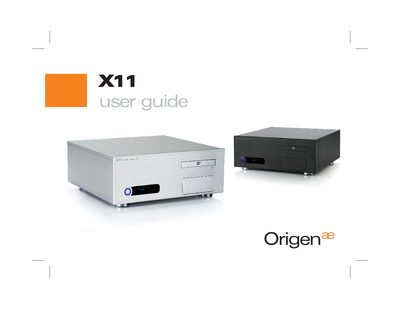
The X11 is an HTPC enclosure from OrigenAE designed to house ATX or micro‑ATX motherboards, multiple storage drives, and various front‑panel ports. This guide helps users install the case, configure drives, and connect peripherals.
The manual covers case opening, drive‑caddy removal, hard‑drive and optical‑drive installation, VFD/IR module setup, and software installation, along with detailed hardware specifications such as dimensions, weight, and supported components.
| External dimensions (W×H×D) | 435 mm × 170 mm × 420 mm |
|---|---|
| Motherboard support | ATX, micro ATX |
| Drive bays | 4 × 3.5" internal, 1 × 3.5" + 1 × 5.25" external |
| Power‑supply support | ATX |
| PCI / AGP card support | Full‑size cards |
| Front ports | 2 × USB, 1 × 1394, 1 × microphone, 1 × headphone |
| Net weight | ≈ 4.5 kg |
| VFD size | 169 mm × 39 mm × 32 mm |
| VFD display | 2 lines × 16 characters, blue colour |
The X11 measures 435 mm wide, 170 mm high, and 420 mm deep.
The X11 can hold up to four 3.5" internal hard drives, plus one optical drive and one additional 3.5" media drive.
The enclosure supports ATX and micro‑ATX motherboards.
The front panel includes two USB ports, one 1394 (FireWire) port, a microphone socket, and a headphone socket.