
Key facts
- Brand
- origen
- Model
- X11
- Industry
- Electronics
- Documents
- 2
- Languages
- EN
- Last added
- 2012-05-03
Start here
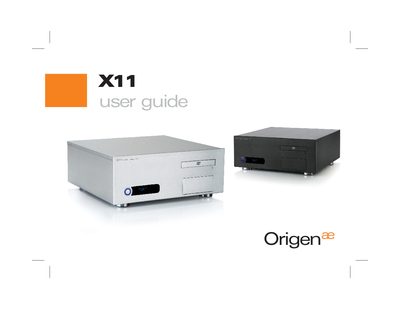
OrigenAE X11 User Guide
The OrigenAE X11 is a compact HTPC enclosure designed for ATX and micro‑ATX motherboards, offering multiple drive bays and front‑panel connectivity.
This guide covers opening the case, removing and installing drive caddies, mounting the optical‑drive bezel, wiring the VFD/IR module, and installing the required software and drivers.
origen X11 specifications
| External dimensions (WxHxD) | 435x170x420mm |
|---|---|
| Motherboard support | ATX, micro ATX |
| Drive bays | 4 x 3.5" internal, 1 x 3.5" + 1 x 5.25" external |
| PSU support | ATX |
| PCI / AGP card support | full size |
| Front ports | 2 x USB, 1 x 1394, 1 x microphone, 1 x headphone |
| Net weight | 4.5 kg (approx) |
| VFD size | 169x39x32 mm |
| VFD display | 2 lines x 16 characters, blue colour |
Source: OrigenAE X11 User Guide
All origen X11 documents by type
Day-to-day operation, settings and troubleshooting. Start here if the product is already set up.
Questions answered in these manuals
What are the external dimensions of the X11 enclosure?
The enclosure measures 435 mm wide, 170 mm high, and 420 mm deep.
From: OrigenAE X11 User Guide
How many hard drives can the X11 support?
It can hold up to four hard drives, one optical drive, and one additional 3.5" drive.
From: OrigenAE X11 User Guide
What are the external dimensions of the X11?
The X11 measures 435 mm wide, 170 mm high, and 420 mm deep.
From: OrigenAE X11 User Manual
How many hard drives can be installed in the X11?
The X11 can hold up to four 3.5" internal hard drives, plus one optical drive and one additional 3.5" media drive.
From: OrigenAE X11 User Manual