
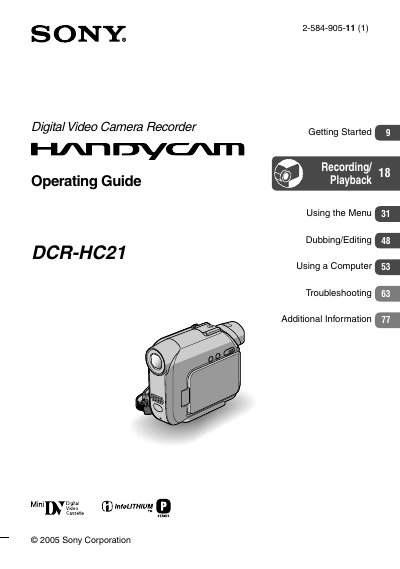
This is the Sony Operating Guide for the DCR-HC21 Digital Video Camera Recorder. It starts with getting started steps such as checking supplied items, charging the battery pack, turning the power on, adjusting the LCD panel and viewfinder, setting the date and time and inserting a cassette, then moves on to recording and playback.
The guide also covers the menu items (MANUAL SET, CAMERA SET, VCR SET, LCD/VF SET, TAPE SET, SETUP MENU and OTHERS), dubbing and editing with a VCR or TV, using a computer with the supplied software and "First Step Guide", troubleshooting, warning indicators, and additional information on usable cassette tapes, the "InfoLITHIUM" battery pack, i.LINK and maintenance.
| Model | DCR-HC21 |
|---|---|
| Recording media | mini DV cassette (mini DV cassettes with Cassette Memory are incompatible) |
| TV system for playback | NTSC system-based TV |
| Lens | Carl Zeiss lens |
| Battery pack type | "InfoLITHIUM" battery pack |
Use a mini DV cassette; mini DV cassettes with Cassette Memory are incompatible.
You need an NTSC system-based TV.
It is equipped with a Carl Zeiss lens developed jointly by Carl Zeiss and Sony Corporation.
Call the Sony Customer Information Center at 1-800-222-SONY (7669).