
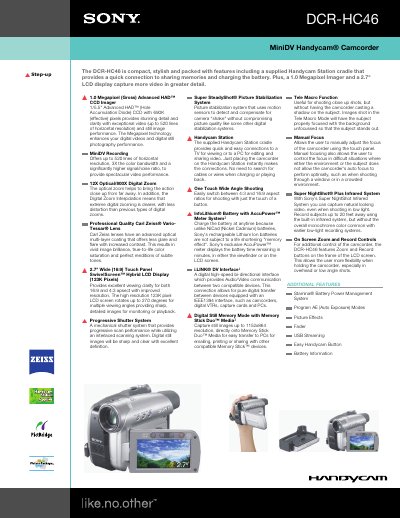
The Sony DCR-HC46 Handycam manual describes the camcorder’s key features, including a 1.0 Megapixel CCD imager, 12× optical zoom, 2.7" touch‑panel LCD that swivels up to 270°, and Super SteadyShot image stabilization. It also explains how to use the Handycam Station cradle for quick video playback, PC editing, and battery charging.
Detailed sections cover recording formats, memory‑card compatibility, battery management with the InfoLithium® AccuPower™ meter, and connectivity options such as i.LINK (IEEE‑1394) and USB streaming. The manual lists full technical specifications, accessory part numbers, and warranty information.
| Imaging Device | 1/5.5" CCD |
|---|---|
| Pixel Gross | 1070K |
| Recording Media | MiniDV Cassette, Memory Stick Duo™, Memory Stick PRO Duo™ |
| Optical Zoom | 12X |
| Digital Zoom | 800X |
| LCD Size | 2.7" (123K Pixels) Wide (16:9) Touch Panel SwivelScreen™ |
| Battery Type | InfoLithium® with AccuPower™ Meter System (NP‑FP50) |
| Power Consumption | 2.4W/2.7W (VF/LCD) |
| Weight | 15 oz (445 g) |
| Minimum Illumination | 7 Lux (0 Lux with Super NightShot® Plus) |
Place the camcorder on the supplied Handycam Station cradle, which provides a quick connection for charging the InfoLithium® battery and for playback to a TV or PC.
The DCR‑HC46 provides a 12× optical zoom lens.