
This is a manual for the Sony Digital Voice Editor software installation
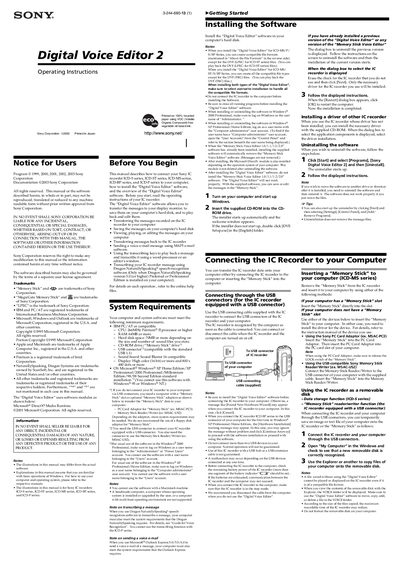
This manual describes how to install the Digital Voice Editor 2 software, connect Sony IC recorders (ICD‑S, ICD‑ST, ICD‑MS, ICD‑BP, ICD‑P series) to a computer, and use the program to transfer, edit, and play back recorded messages. It also explains supported file formats and troubleshooting steps.
System requirements, connection methods (USB cable, Memory Stick adapters), and detailed menu functions are covered, allowing users to manage voice files on Windows PCs and perform tasks such as voice e‑mail, transcription with Dragon NaturallySpeaking, and file conversion.
| CPU | 266 MHz Pentium® II processor or higher |
|---|---|
| RAM | 64 MB or more |
| Hard disk space | 70 MB or more |
| Operating System | Windows XP Home/Professional, Windows 2000 Professional, Windows Millennium, Windows 98/98 Second Edition |
| USB interface | USB 1.1 compatible connector |
| Sound board | Sound Blaster 16 compatible |
| Display | 800 × 480 pixels or higher, 16‑bit color |
The software runs on Microsoft Windows XP Home or Professional, Windows 2000 Professional, Windows Millennium Edition, and Windows 98/98 Second Edition.
Use the USB cable supplied with the recorder, connect the recorder’s USB connector to the PC while the recorder is in stop mode, and the computer will recognize it as a removable disk.