
This is a network camera installation manual that describes how to connect and install network cameras
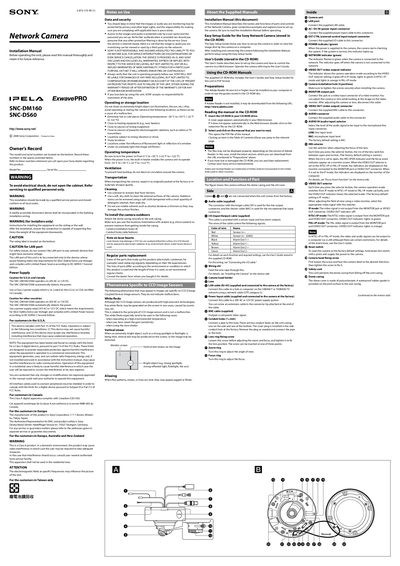
This Installation Manual provides step‑by‑step instructions for mounting the Sony SNC‑DM160 and SNC‑DS60 network cameras on walls or ceilings. It includes safety warnings, power‑supply requirements, and detailed wiring diagrams for LAN, power, audio, and video connections.
The guide also explains how to adjust the camera direction, focus, and zoom, as well as how to use the supplied CD‑ROM manuals for further configuration. Maintenance tips, operating temperature limits, and regular part‑replacement recommendations are included to ensure reliable long‑term operation.
| Power Supply | 24 V AC or 12 V DC (auto‑detect) |
|---|---|
| Operating Temperature Range | -30 °C to +50 °C |
| Maximum Supported Mounting Load | 15 kg (33 lb) or more |
The camera operates on either 24 V AC or 12 V DC and automatically detects the supplied voltage.
The camera can be used from –30 °C up to +50 °C.
The mounting location must be able to support at least 15 kg (33 lb) to prevent the camera from falling.