
This is the user guide for the Sony Ericsson X8 phone
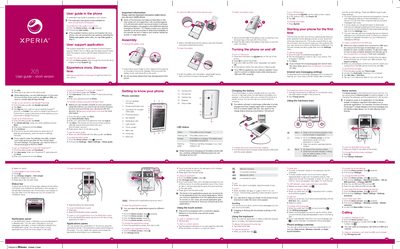
The short version of the Sony Ericsson X8 User Guide provides step‑by‑step instructions for setting up Google services, email, social media, and basic phone features such as the status bar, notification panel, and widget management. It also explains how to access the extended user guide, use the support application, and perform common tasks like charging, turning the phone on/off, and resetting the device.
Additional sections cover hardware details (battery cover removal, headset connector, power key), language selection, emergency calling, and troubleshooting tips for network, USB, and battery issues. The guide is intended for end users who need quick reference to operate the X8 phone.
| Battery LED – Green | Battery fully charged |
|---|---|
| Battery LED – Flashing red | Battery level low |
| Battery LED – Orange | Battery charging (mid level) |
| Headset connector | 3.5 mm |
| Power key / Screen lock | Dedicated hardware key |
Press and hold the power key on the top of the phone, then press 89 to unlock the screen and enter your SIM PIN if prompted.
From the Home screen open Settings > SD card, USB Mass Storage & phone storage > Factory data reset > Reset phone and tap Erase everything.
Connect the phone to a computer’s USB port with the supplied cable and then tap “Charge phone” on the screen.