
This document provides an overview of the hardware and software of the Sony Ericsson GPRS PC Card Modem GC75, as well as installation and usage instructions.
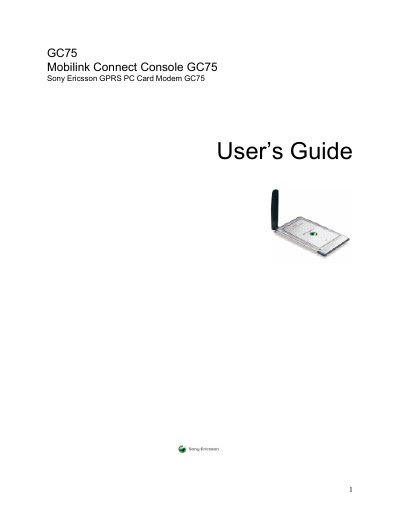
This guide introduces the Sony Ericsson GC75 GPRS PC Card Modem, a triple‑band GSM device that enables wireless data communication on laptops. It covers hardware components, software features, system requirements, and detailed installation procedures for both the hardware and the Mobilink Connect Console software.
The manual also explains how to use the Connect Console for status monitoring, SIM management, SMS messaging, and internet access, and includes troubleshooting tips, error codes, technical specifications, and a glossary of terms.
| Download speed | up to 53.6 kbps |
|---|---|
| Upload speed | up to 26.8 kbps |
| Idle power consumption | < 5 mA |
| Transmitting power consumption | < 8 mA |
| Card type | 16‑bit Type II PC Card |
| Supported GSM bands | 900 / 1800 / 1900 MHz |
Insert the GC75 Manager CD, run Setup and the installer will first install the Sony Ericsson GC75 driver before installing the Connect Console software.
In idle mode the GC75 consumes less than 5 mA, and while transmitting it uses less than 8 mA (up to 800 mA at maximum power output).
Yes, you can send and receive SMS messages using the SMS Messages screen in the Mobilink Connect Console 75.
The GC75 can receive data at up to 53.6 kbps and transmit at up to 26.8 kbps over GPRS.