
This document is a user guide for GC79 Sony Ericsson GPRS / Wireless LAN PC Card GC79. The document provides an overview of the hardware and software of GC79, as well as the installation and usage instructions.
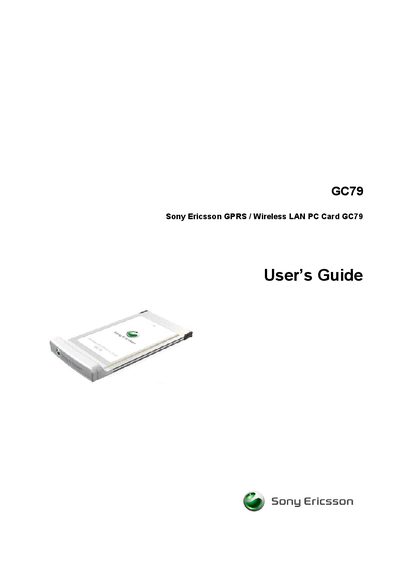
The GC79 is a combined wireless LAN adapter and triple‑band GSM PC Card that fits into a standard 32‑bit Type II slot with a 15 mm extension. It includes built‑in GSM and WLAN antennas and requires a SIM card for operation. The guide walks you through hardware installation, software installation from the supplied CD, and initial configuration steps.
The accompanying GC79 Manager software lets you create and modify GPRS, HSCSD, CSD, and wireless LAN connections, manage SIM and phone‑book entries, send and receive SMS, and troubleshoot errors. Detailed sections cover connection setup, wireless LAN features, and troubleshooting tips.
| Form factor | Standard 32‑bit Type II PC card |
|---|---|
| Extension length | 15 mm |
| Antennas | GSM and WLAN antennas built in |
| GSM bands | Triple‑band GSM |
Insert the GC79 into a Type II PC‑card slot, then install the driver and software from the supplied CD‑ROM using the Setup program.
Open GC79 Manager, select “Create a GPRS, HSCSD or CSD Connection”, and follow the prompts to configure the connection settings.
Use the “Safe Removal of the GC79” option in the GC79 Manager before physically unplugging the card.