
This PDF file introduces the usage methods of electronic organizer OZ-290.
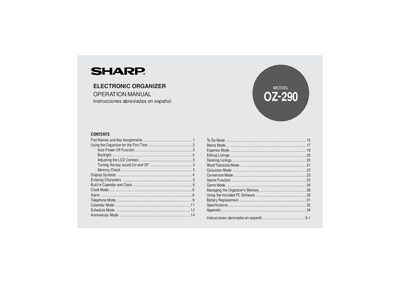
This manual explains how to start using the Sharp OZ-290 electronic organizer, covering first‑time setup, key assignments, and basic functions such as the backlight, LCD contrast, and key‑tone settings. Detailed instructions are provided for calendar, clock, alarm, telephone, memo, calculator, and game modes, as well as memory management and PC‑link software.
Additional sections cover battery replacement, safety precautions, warranty information, and technical specifications. The document also includes a glossary of display symbols and an appendix for reference.
| Battery type | CR2032 |
|---|---|
| Auto power‑off interval | approximately 7 minutes |
| Backlight timeout options | 10, 20, or 30 seconds |
| LCD contrast levels | 1 through 8 |
| Supported date range | Jan 1 1950 – Dec 31 2150 |
| Number of time‑zone cities | 43 |
Press the backlight key (z) again to switch the backlight off.
Press the CLOCK/ALARM key, select Alarm1, Alarm2, or Alarm3 with < or >, turn it on with j or l, then set the time and confirm with x.