
The UX-P100 Operation Manual is an official operation manual released by Canon for its UX-P100 model fax machine. This manual provides detailed instructions on the functions and operations of the UX-P100 model fax machine, including installation, setup, use, sending and receiving faxes, copying, printing lists, maintenance, and troubleshooting. Its purpose is to help users better use the UX-P100 model fax machine.
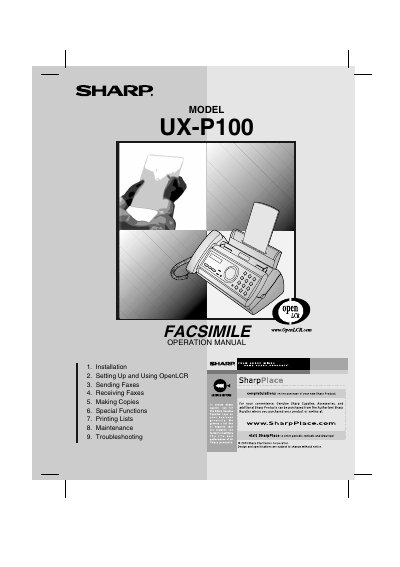
This manual covers everything needed to install and use the Sharp UX-P100 fax machine. It includes step‑by‑step instructions for unpacking, connecting power and telephone lines, loading imaging film and paper, and configuring settings such as date, time, resolution, and reception mode. Detailed sections explain how to send and receive faxes, make copies, and use special functions like Caller ID and distinctive ring.
Additional chapters provide guidance on routine maintenance, troubleshooting common problems, and a quick reference guide for fast operation. Safety warnings, FCC compliance information, and warranty details are also included to ensure proper and safe use of the device.
| Memory size | 448 KB (approx. 24 average pages) |
|---|---|
| Modem speed | 9,600 bps with automatic fallback |
| Transmission time | Approx. 15 seconds |
| Horizontal resolution | 203 pels/inch (8 pels/mm) |
| Paper tray capacity (Letter) | 50 sheets (max. stack height: 5 mm) |
| Power consumption (standby) | 3.6 W |
| Dimensions (W x D x H) | 12.9" x 7.6" x 6.4" |
The paper tray can hold up to 50 letter‑size sheets.
The machine uses 3.6 W in standby mode.
It operates at 9,600 bps with automatic fallback to lower speeds.
The unit measures 12.9 in wide, 7.6 in deep, and 6.4 in high.