
This manual introduces the operation method of UX-A1000 copier. It mainly includes installation, using answering system, sending faxes, receiving faxes, making copies, special functions, printing lists, maintenance and troubleshooting.
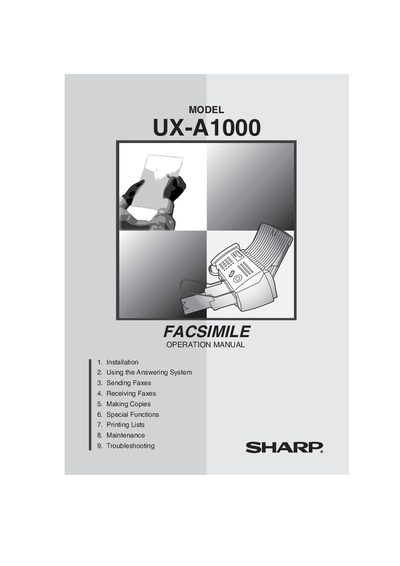
This manual covers everything needed to set up and operate the Sharp UX-A1000 facsimile machine, including installation, answering system use, fax sending and receiving, copying, special functions, list printing, maintenance, and troubleshooting. Safety warnings, FCC regulatory information, and warranty details are also included.
Key specifications include a 200‑sheet letter‑size paper tray, 120 V AC power requirement, standby power consumption of 5 W, maximum power of 30 W, dimensions of 14.6" × 10.2" × 8.0", and a weight of approximately 11 lb. The device offers 1.8 MB memory, 14,400 bps modem speed, and a 600 × 600 dpi print resolution.
| Paper tray capacity (Letter) | Approx. 200 sheets |
|---|---|
| Power requirements | 120 V AC, 60 Hz |
| Operating temperature | 60 - 90 °F (15 - 32 °C) |
| Humidity range | 25 - 80 % RH |
| Power consumption (standby) | 5.0 W |
| Power consumption (maximum) | 30 W |
| Dimensions (W × D × H) | 14.6" × 10.2" × 8.0" |
| Weight (without attachments) | Approx. 11 lb (5.0 kg) |
| Memory size | 1.8 MB (≈100 pages) |
| Modem speed | 14,400 bps |
| Scanning resolution (horizontal) | 203 lines/inch |
| Print resolution | 600 × 600 dpi |
The paper tray can hold approximately 200 letter‑size sheets.
The machine requires 120 V AC at 60 Hz.
The limited warranty covers parts and labor for 90 days from the date of purchase.