
This document is the operation manual for the FO-4450 facsimile machine, which includes installation, sending documents, receiving documents, making copies, special functions, optional settings, printing lists, maintenance, and troubleshooting.
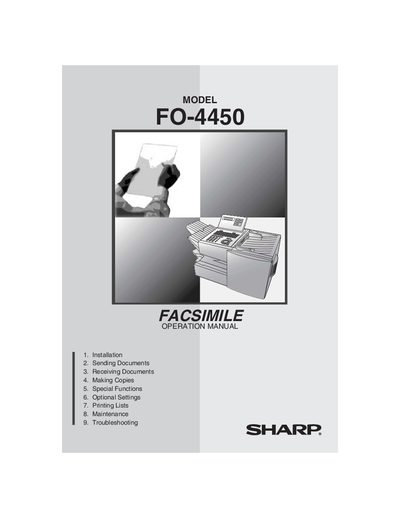
This manual guides users through setting up and operating the Sharp FO-4450 facsimile machine. It covers installation, connecting to telephone lines, loading paper and cartridges, and configuring basic settings.
Key sections include sending and receiving documents, making copies, special functions such as broadcasting and confidential operations, optional settings, printing reports, routine maintenance, and troubleshooting tips. The document also contains safety warnings, regulatory information, and a quick reference guide.
| Paper capacity | 250 sheets (20 lb) (500‑sheet cassette optional) |
|---|---|
| Standby power consumption | 9 W |
| Maximum power consumption | 760 W |
| Dimensions (W × D × H) | 21.5" × 16.2" × 13.6" |
| Modem speed | 33,600 bps (max) |
| Memory size | 8 MB (≈ 500 pages) |
Use a No. 26 AWG or larger telecommunication line cord to reduce fire risk.
Press the CONTRAST key on the operation panel to adjust contrast before sending or copying.
The standby power consumption is 9 W.