
This document is a quick installation guide for the Panasonic 2.4 GHz Cell Station Unit. It provides safety notices, usage instructions, and installation/removal precautions for the product.
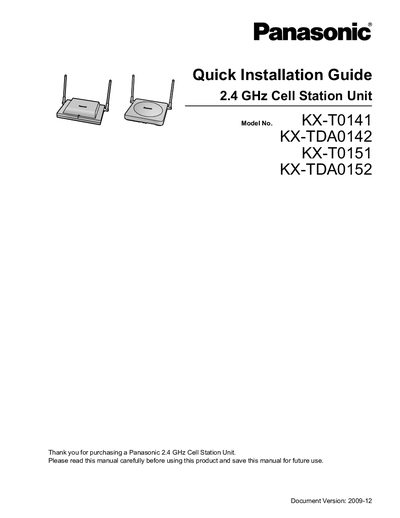
The Quick Installation Guide explains how to install and set up Panasonic’s 2.4 GHz Cell Station Units (models KX‑T0141, KX‑TDA0142, KX‑T0151 and KX‑TDA0152). It covers safety requirements, site‑planning, mounting, wiring, LED status indicators and troubleshooting.
Key sections include safety notices, required distances to other equipment, RF specifications, step‑by‑step mounting instructions, connection to the PBX, and a troubleshooting table for common LED and call issues.
| Frequency Band | 2400 MHz to 2483 MHz |
|---|---|
| Transmission Output Peak | 0.25 W |
| Maximum simultaneous calls (KX‑T0151) | 2 |
| Maximum simultaneous calls (KX‑TDA0152) | 3 |
| Maximum simultaneous calls (KX‑T0141) | 2 |
| Maximum simultaneous calls (KX‑TDA0142) | 3 |
| Required distance CS to PS | >1 m (3 ft 3 in) |
| Required distance between CS units | >15 m (49 ft) |
| Required distance PS to other equipment | >0.5 m (1 ft 8 in) |
| Required distance PBX to CS | >2 m (6 ft 7 in) |
Only qualified service personnel should install or service the unit, use the supplied wall‑mounting hardware, keep the unit away from moisture, dust, extreme temperatures, metal objects, high‑voltage equipment, and ensure the wall can support its weight.
Green steady means standby, slow green flashing (≈60 times/min) indicates an active call, moderate green flashing (≈120 times/min) shows busy, red steady signals a fault, and red flashing (≈60 times/min) means out of service or starting up.
KX‑T0151 and KX‑T0141 support up to 2 simultaneous calls, while KX‑TDA0152 and KX‑TDA0142 support up to 3 simultaneous calls.