
Instruction manual for 32 inch and 26 inch LCD TVs
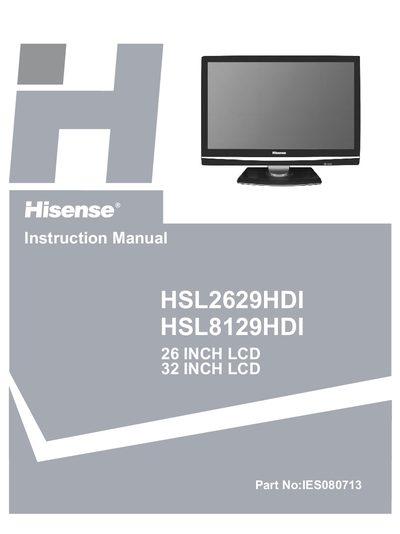
This manual guides you through the safe installation, initial setup, and everyday operation of the Hisense HSL2629HDI and HSL8129HDI LCD televisions. It includes safety precautions, front‑panel controls, back‑panel connections, and basic troubleshooting steps.
The document also details the 36‑month warranty terms, warranty registration, cleaning and care instructions, and full technical specifications such as display size, resolution, power consumption and available inputs.
| Display size | 26 inches / 32 inches |
|---|---|
| Resolution | 1366 × 768 Pixels |
| Power consumption | 85 W / 165 W |
| Audio output | 4 W+4 W / 6 W+6 W |
| Dimensions (TV and base) | 670 × 516 × 208 mm / 800 × 598 × 240 mm |
| Weight (TV and base) | 10.9 kg / 15 kg |
| HDMI inputs | 3 |
The warranty lasts for 36 months from the date of purchase.
Check that the power cord is plugged in and press the Power button; if it still does not turn on, replace the remote‑control batteries.
Unplug the TV, then wipe the screen with a soft, damp cloth using a mild detergent solution.
Leave at least 150 mm of clearance around the TV for proper ventilation.